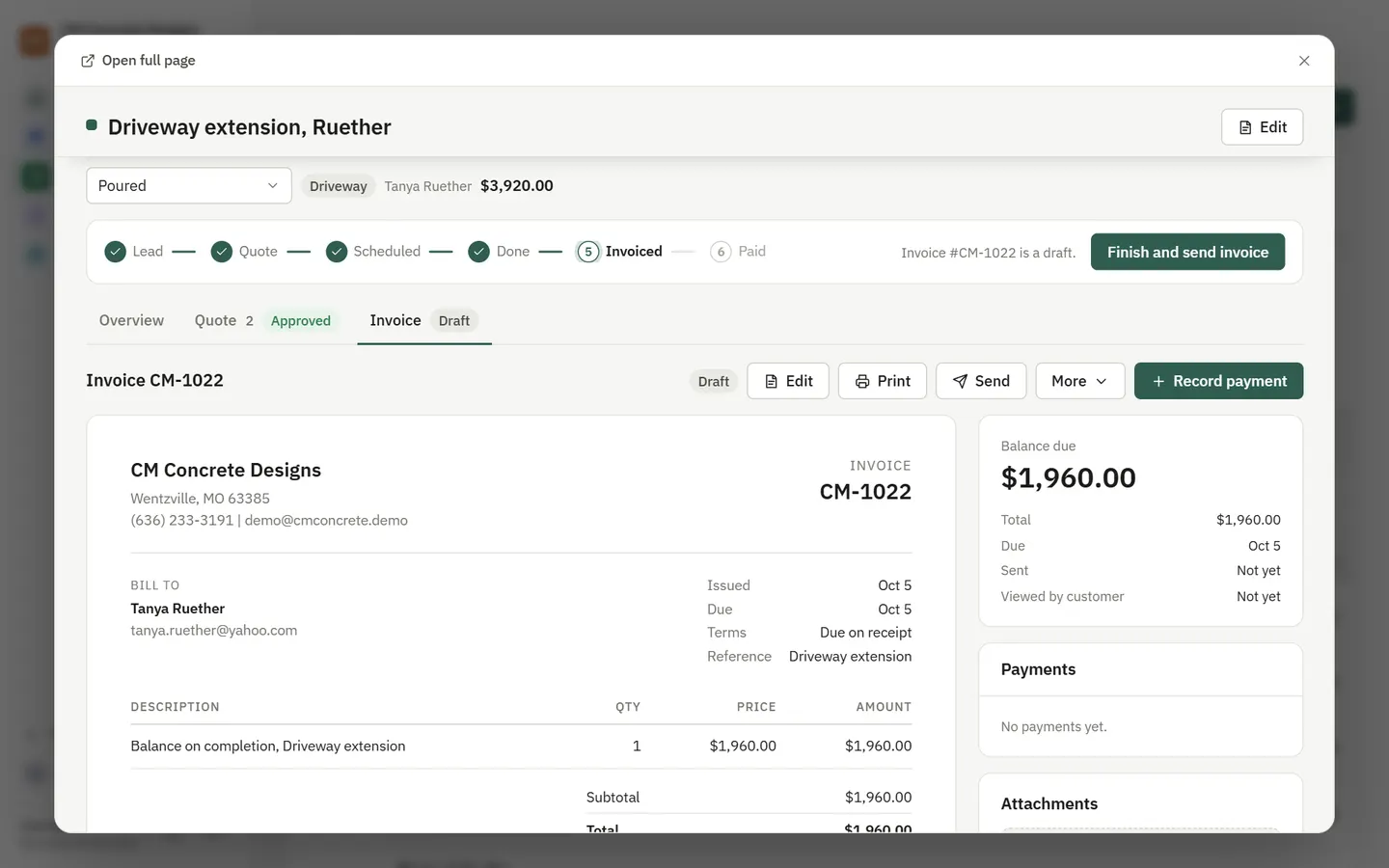
The invoice is built from the job, so there is nothing to retype. Send it from your phone, and the customer pays online by card. The money goes to your own Stripe account.
How it works
- Draft
Marking a job done drafts its invoice from the quote and the work.
- Send
The customer gets the invoice with a Pay now button.
- Get paid
Payments are recorded on the invoice and the job closes itself.
What you get
- Pay now by card, paid into your own Stripe account
- Deposits and payment stages for bigger jobs
- Overdue reminders that stop once it is paid
- Already on QuickBooks? Keep it. Invoices and payments sync there
- Show customers where parts came from, if you want them to check prices
Questions
Do you hold my money?
No. Card payments go to your own Stripe account. Sitefold records the payment on the invoice.
I already invoice in QuickBooks. Do I have to switch?
No. Keep QuickBooks as your books and let Sitefold sync invoices and payments into it.
See it with your business in it
7-day free trial, or a free mockup built from your real work.